 4.7
4.7
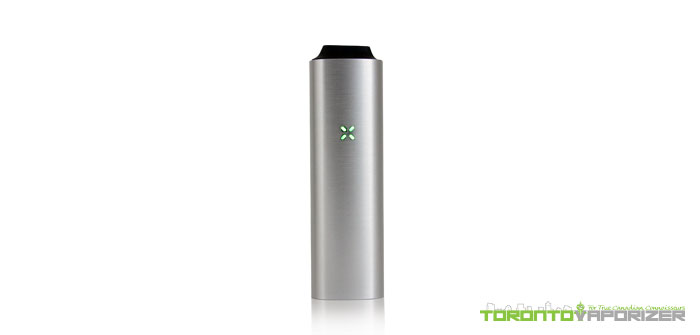

Review: PAX 2 Vaporizer
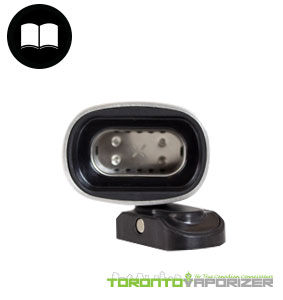
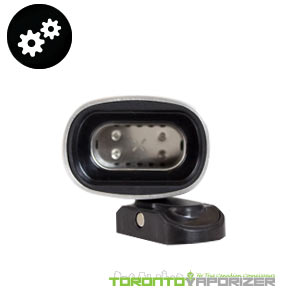 How it WorksThe heating chamber or ‘oven’ of the PAX 2 is located at the bottom of the unit, closed off by a magnetic lid just like the Utillian 722. Just press an outer edge of the lid and it will pop off. Invert the unit and load the oven. The heating chamber uses conduction heat to vaporize, and so the oven should be fully filled, without over flowing, for maximum efficiency. Then, just pop the magnetic lid back on. To turn the PAX 2 on, simply press the center of the mouthpiece one time. The LED lights, or ‘petals’ as Ploom refers to them as, will begin to pulse purple to indicate the unit is heating up. In less than 60 seconds the petals will turn solid green to indicate the PAX 2 has reached the desired temperature and it’s ready for you to take draws. To change the PAX 2 temperature setting, press down on the mouthpiece for a couple seconds and the unit will enter ‘temperature mode’. Each petal correlates to a temperate setting and when in temperature mode, you can toggle between the settings with a quick press on the mouthpiece. When you’ve chosen your temperature setting and want to exit this mode, either press down on the mouthpiece for a couple seconds or give the PAX 2 a shake! The PAX will enter ‘cool down’ mode after 20 seconds if it does not sense it is being used and will auto-shut off completely after 3 minutes. To shut the PAX 2 off manually, simply press the mouthpiece. |
|
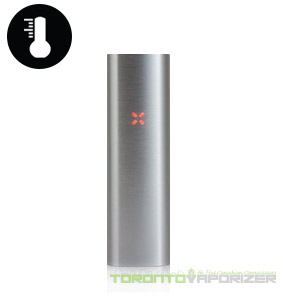 Temperature Flexibility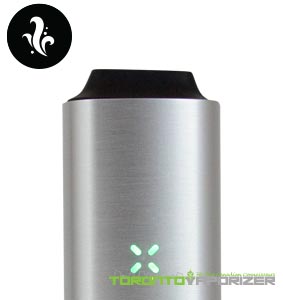
|
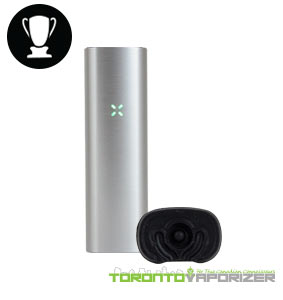 Manufacturing Quality
|
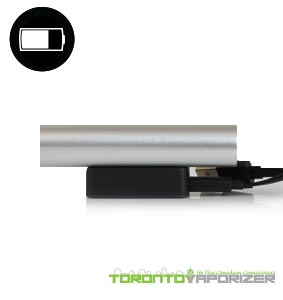 Battery Life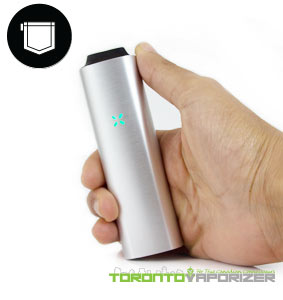
|
| If you have questions about our PAX 2 review or just want to let us know what you think, feel free to drop us a comment below! Thanks for reading and as always, keep vapin’! |
 Ease of Use